
BibleSlide Academy
Learn to use BibleSlide to serve your church and manage your ministries.
Training videos for pastors, church secretaries, ministry leaders and members.
▶ Watch all tutorials on YouTube
0 / 11 lessons — Watched. Progress is saved on this device only.
Getting started 0 lessons
Coming soon — More lessons for this category are being prepared.
Ministry management 10 lessons
-

Ministry Section Tutorial
Training video on the Ministries section of BibleSlide, for pastors, church secretaries and ministry leaders.
Watched -

BibleSlide Ministries: Manage Church Offerings, Expenses and Financial Reports
Learn how to record an offering, add an expense and read the monthly financial report with the balance after expenses.
Watched -

BibleSlide Ministries – Member Registration
Learn how to register a member in BibleSlide Ministries: name, status, contact details and the member record.
Watched -

BibleSlide Ministries – Member sign-up by link or QR code, and approval
Share a secure link or QR code, then review and approve each request.
Watched -
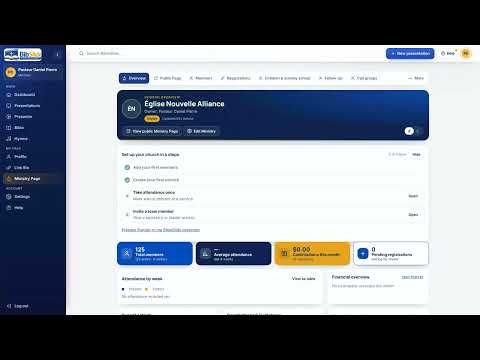
BibleSlide Ministries – Create a service and take attendance
Create the service type, then mark who is present and the visitors.
Watched -

BibleSlide Ministries – Member giving and faith pledges
Record a gift for a member, issue a numbered receipt and follow a faith pledge.
Watched -

BibleSlide Ministries – Team and roles
Invite a team member and give them a role (secretary, treasurer…) so everyone sees only what they need.
Watched -

BibleSlide Ministries – Expenses and closing the period
Record an expense with its receipt, then close the period so the figures can no longer change.
Watched -

BibleSlide Ministries – Backups
Make a backup of your church data, verify it and download it.
Watched -

BibleSlide Ministries – Filling in the registration form
For members who receive the registration link: fill in the form step by step, no account needed.
Watched
Church follow-up 1 lesson
-
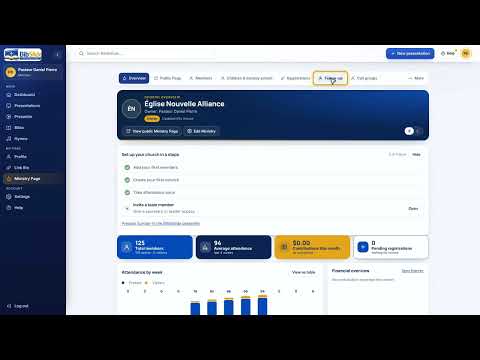
BibleSlide Ministries – Pastoral follow-up
See who needs a call or a visit, note what happened and set a reminder for the next contact.
Watched
Communication 0 lessons
Coming soon — More lessons for this category are being prepared.
Documents 0 lessons
Coming soon — More lessons for this category are being prepared.