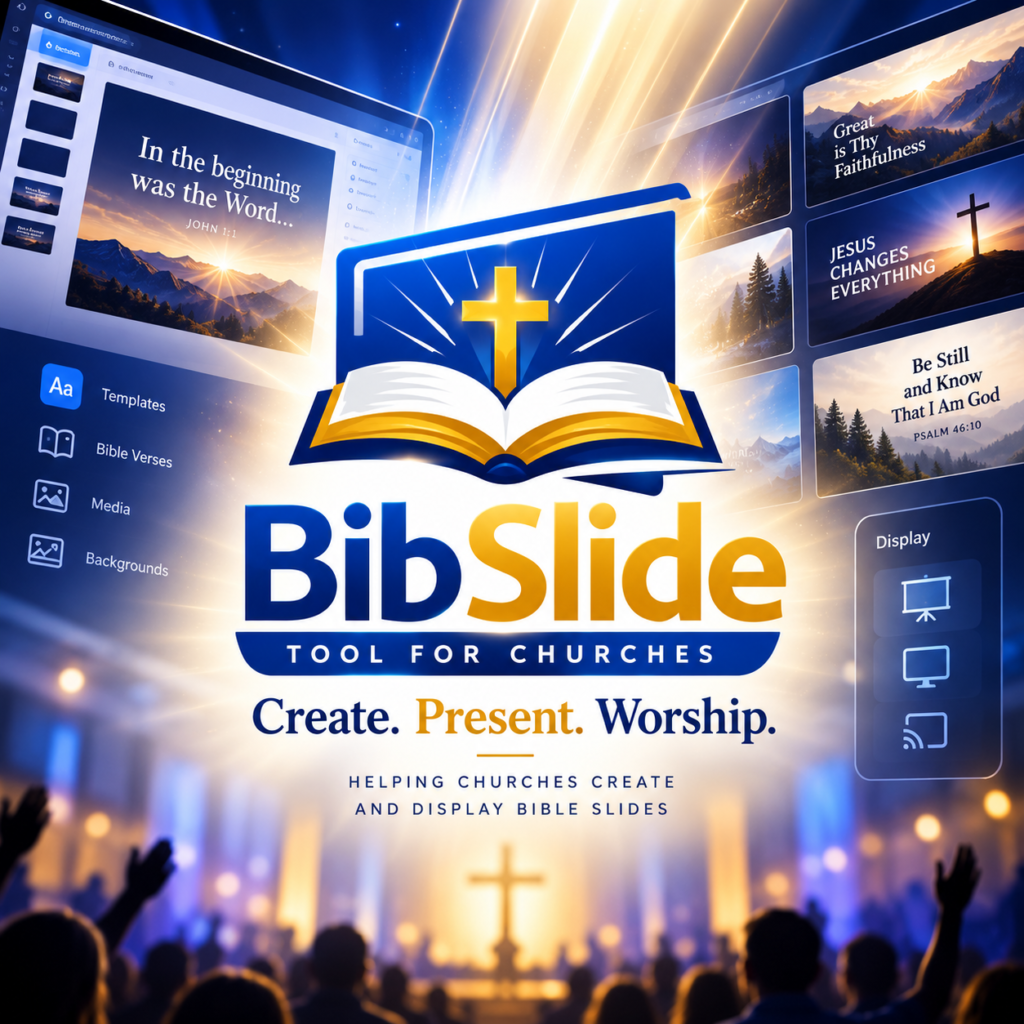

The background behind song lyrics and Bible verses sets the mood of the service, but its first job is to let people read. A beautiful picture that hides the words does not help anyone sing.
Contrast first
- White or light text on a dark background is the safest choice in most rooms.
- If the picture is bright or busy, darken it or add a soft shadow behind the text.
- Test from the back row with the lights as they will be on Sunday.
Calm motion, or none
Slow motion backgrounds (clouds, light, water) can be beautiful during worship. Fast or flashing videos tire the eyes and distract. For Scripture readings and the sermon, a still background is usually best.
One style per moment of the service
Use one background for praise, a quieter one for prayer and another for the sermon. Keeping the same background for a whole song avoids jumps between slides.
Where to find images you may use
- Your own photos of the church, the city, nature (with the permission of the people shown).
- Images under a licence that allows reuse, and keep the source.
- Simple solid colours and gradients — they always work and never break copyright.
Do not copy pictures found on a search engine: most of them belong to someone. In BibleSlide you can upload your images and videos once in the media library and reuse them in every service.
O sing unto the Lord a new song: sing unto the Lord, all the earth.
King James Version
Make a test slide with the longest chorus you sing. If it is easy to read on that background, every song will be.
See how backgrounds, transitions and lyrics work together in the demo.