Church presentation software is a program that puts song lyrics, Bible verses, announcements and pictures on the screens of a church during the service. Unlike a general slideshow tool, it is built for live worship: songs are split by verse and chorus, Bible passages are found by reference, and the operator can follow what happens in real time.
What it usually does
- Shows song lyrics, verse by verse, from a song library.
- Finds and displays Bible passages in one or more translations.
- Builds an order of service you can run with one button.
- Sends a different view to musicians (stage screen) and to live streams (OBS).
- Lets someone control the slides from a phone.
What to look for when choosing
- Ease of use: volunteers change every week; the software must be learned in minutes.
- Your languages: the interface, the Bibles and bilingual display in the languages of your congregation.
- Cost: licences per computer can be a real burden for small churches.
- Reliability: it must keep working if the internet fails on Sunday.
- Your existing songs: import from the program you use today.
A free option: BibleSlide
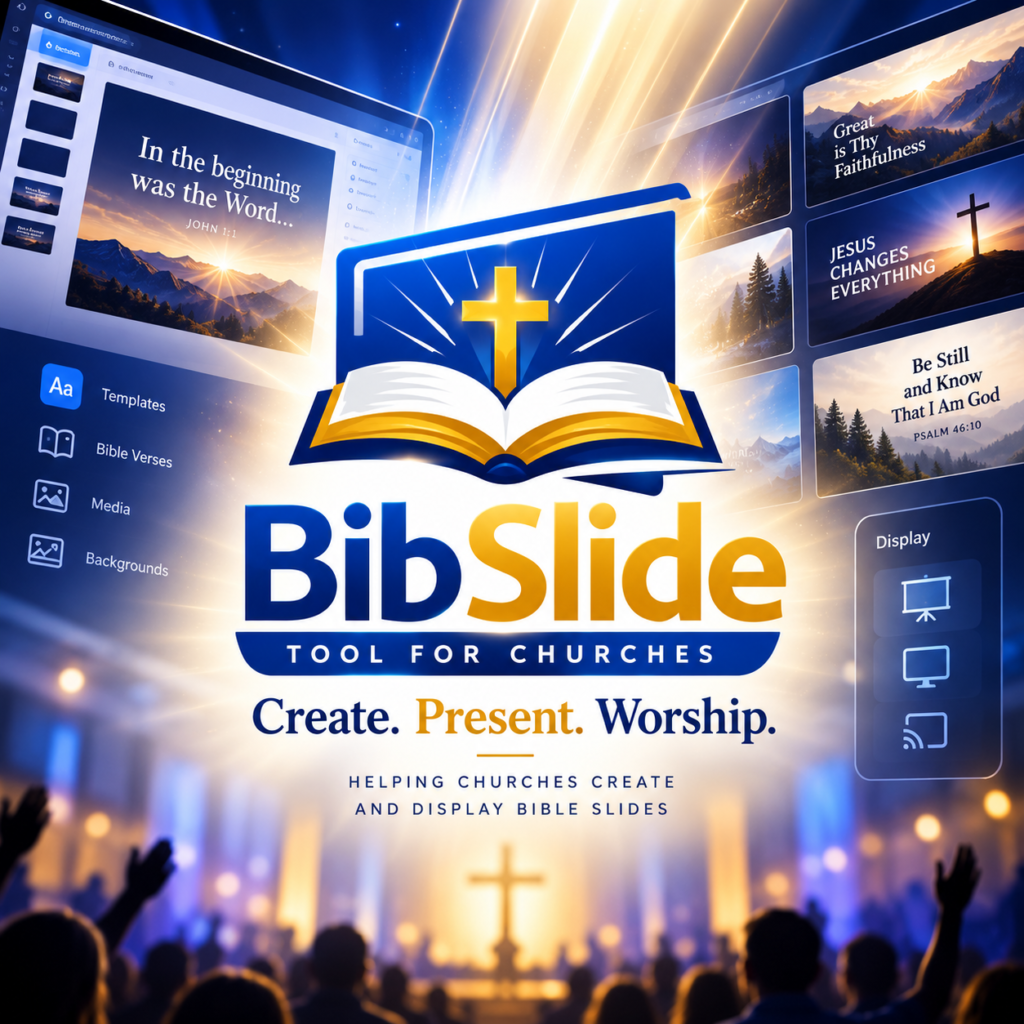
BibleSlide is a free church presentation software that runs in the web browser. Its interface is available in English, Kreyòl, French, Spanish and Portuguese; it includes five Bible translations and a public-domain hymn library; it can show two languages on the same slide; and it keeps working offline. You can import songs from OpenLP, OpenSong, EasyWorship, ProPresenter and ChordPro. BibleSlide is supported by donations.
See every feature on the features page or watch the demo.
Before changing software, run it for one rehearsal and one small service. The best tool is the one your volunteers can use without you.